
Help
How to: Checkout
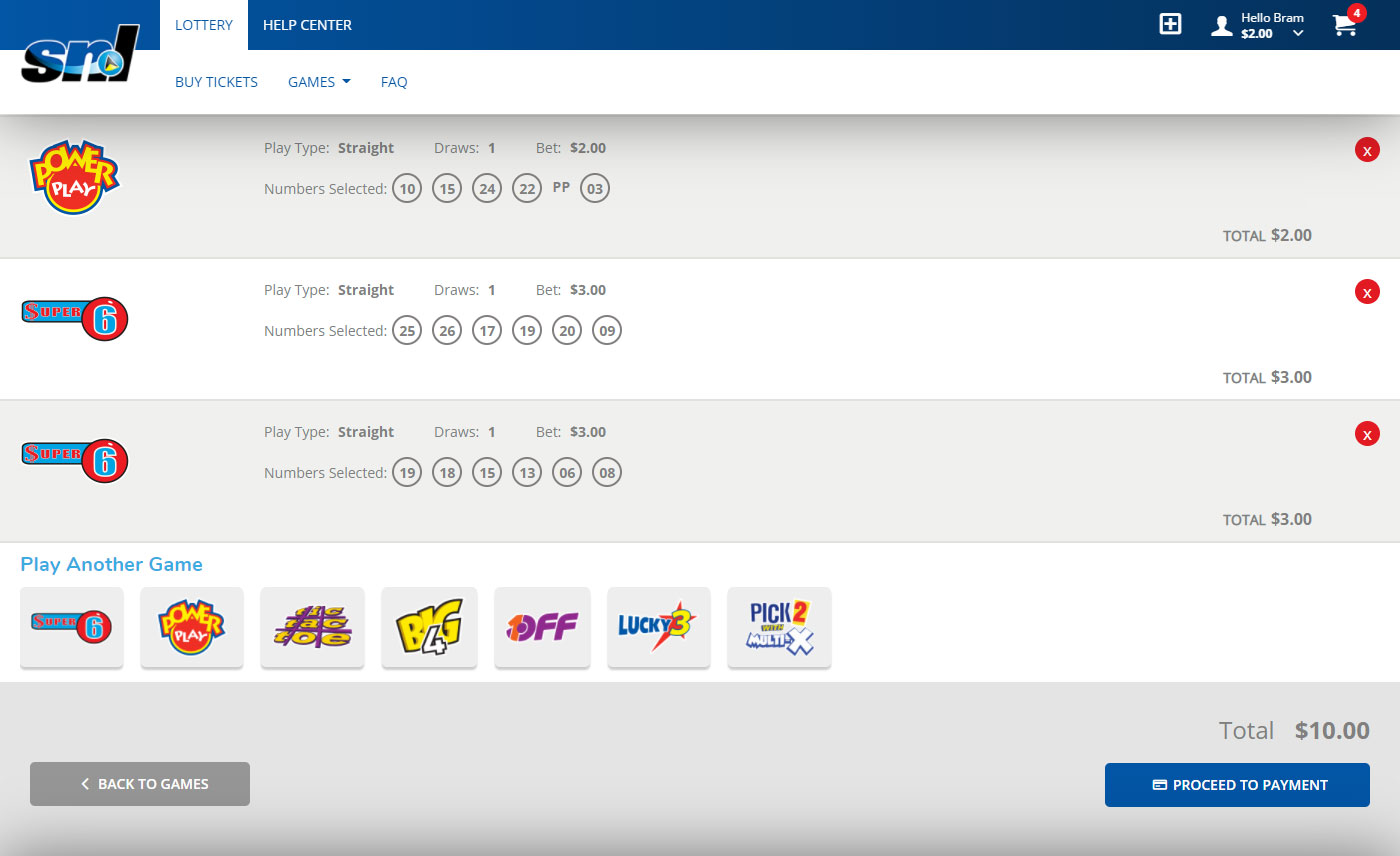
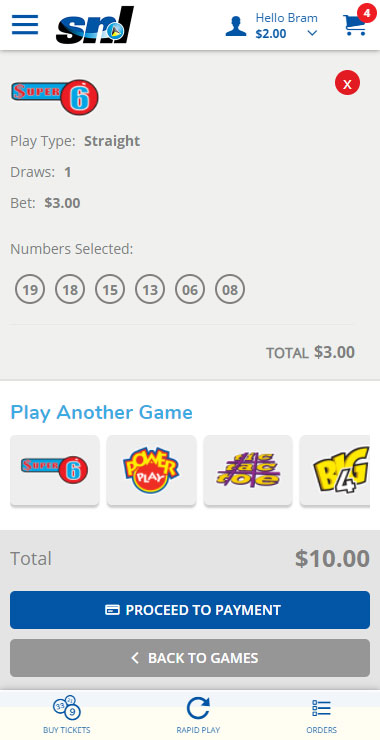
- After adding any number of tickets to your cart, click on the shopping cart icon
![]()
![]() in the top right-hand corner.
in the top right-hand corner. - Review your selections for accuracy. You can remove a game from your cart by selecting the red X button in its applicable text box.
- Click Pay Now to continue, or Continue Shopping to go back to the Main Menu.
- Review your order and payment information. Click Pay Now to submit your order, Cancel to discard, or Continue Shopping to return to the Main Menu.
- Review your order and view your order total, player account charge, purchase date, and current account balance. Click Continue Shopping to return to the Main Menu, or My Activity to see an overview of all recent account activity.

 in the top right-hand corner.
How to: Withdraw Funds
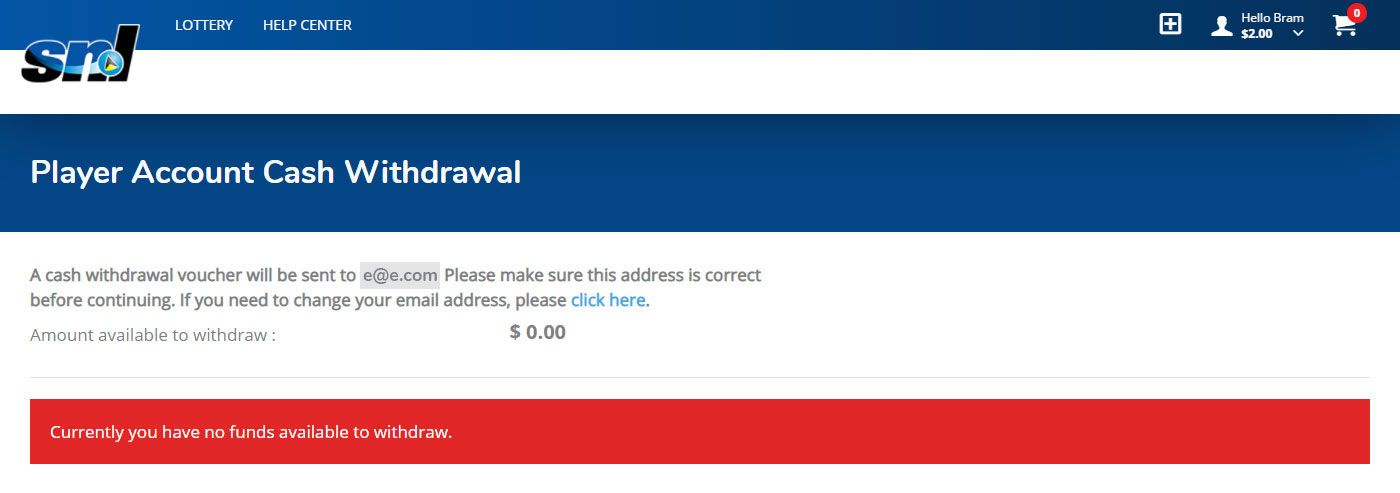
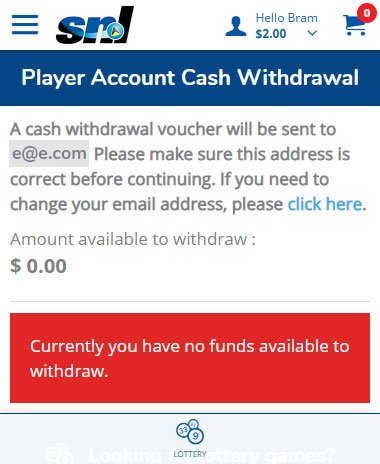
- Log in.
- In the top right corner of the screen click Player Menu > My Account > Cash Withdrawal
- Enter the cash amount that you would like to withdraw. The amount available to withdraw is noted in the top right-hand corner of the text box
- Click Submit to continue or Cancel to return to the Main Menu
- You will receive an email with instructions for completing the cash withdrawal. You will need to go to a Lotto Office or a Lotto point of sale to complete the transaction
How to: Add Funds to your Account Using Your Player Code
- Visit an authorized lottery retail location.
- Log in to the web site from your mobile device.
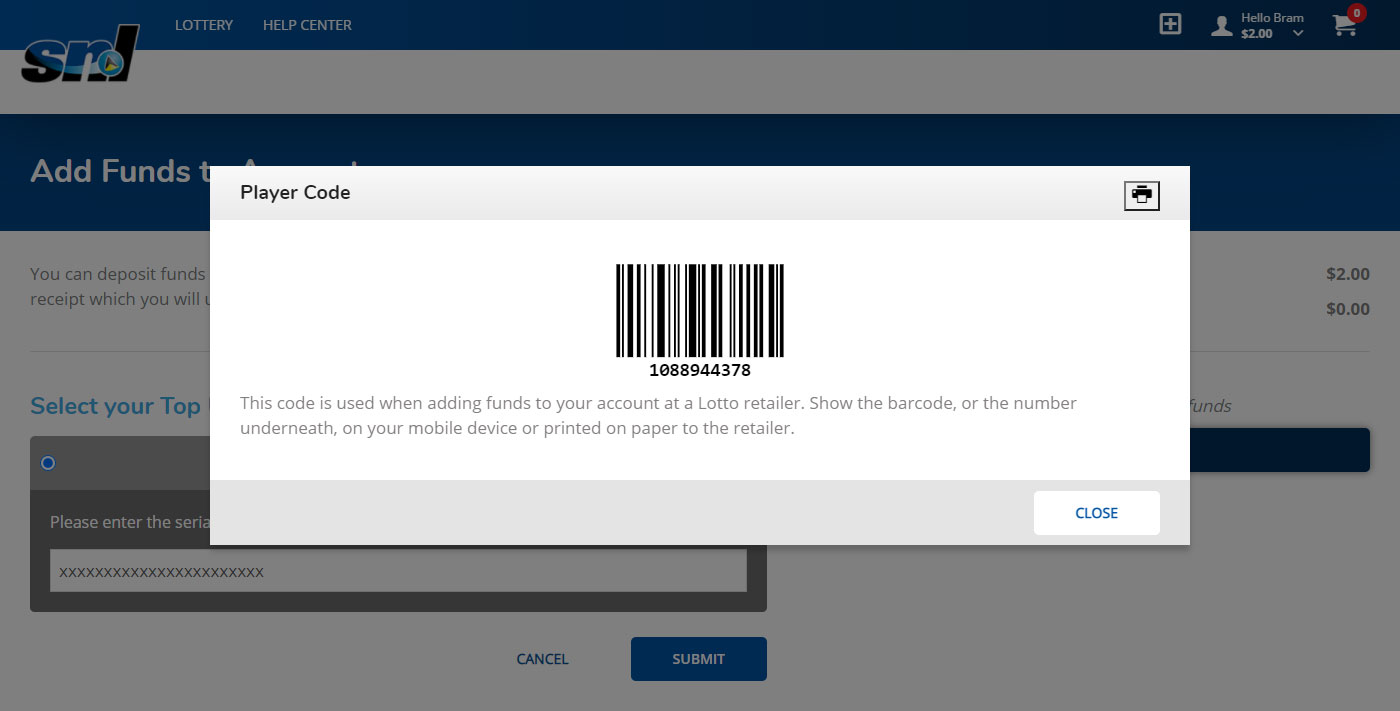
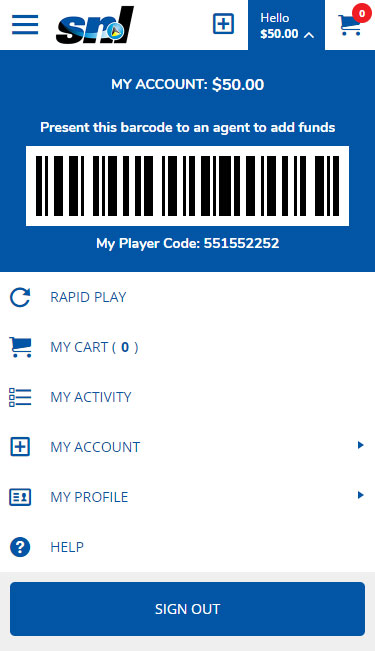
- In the top right corner of the screen click Player Menu > My Account > Add Funds to Account or the icon.
- Give the retailer the funds you wish to add to your account and let him scan your player code.
![]()
![]()
- To verify that the funds have been added to your Player Account: log out and log back in to see the updated account balance.
How to: Add Funds to your Account Without a Player Code
If you do not have your player code or a mobile device with you, then:
- Visit an authorized lottery retail location.
- Give the retailer the funds you wish to add to your account and obtain a Player Account Cash Receipt.
- Log in at your earliest convenience.
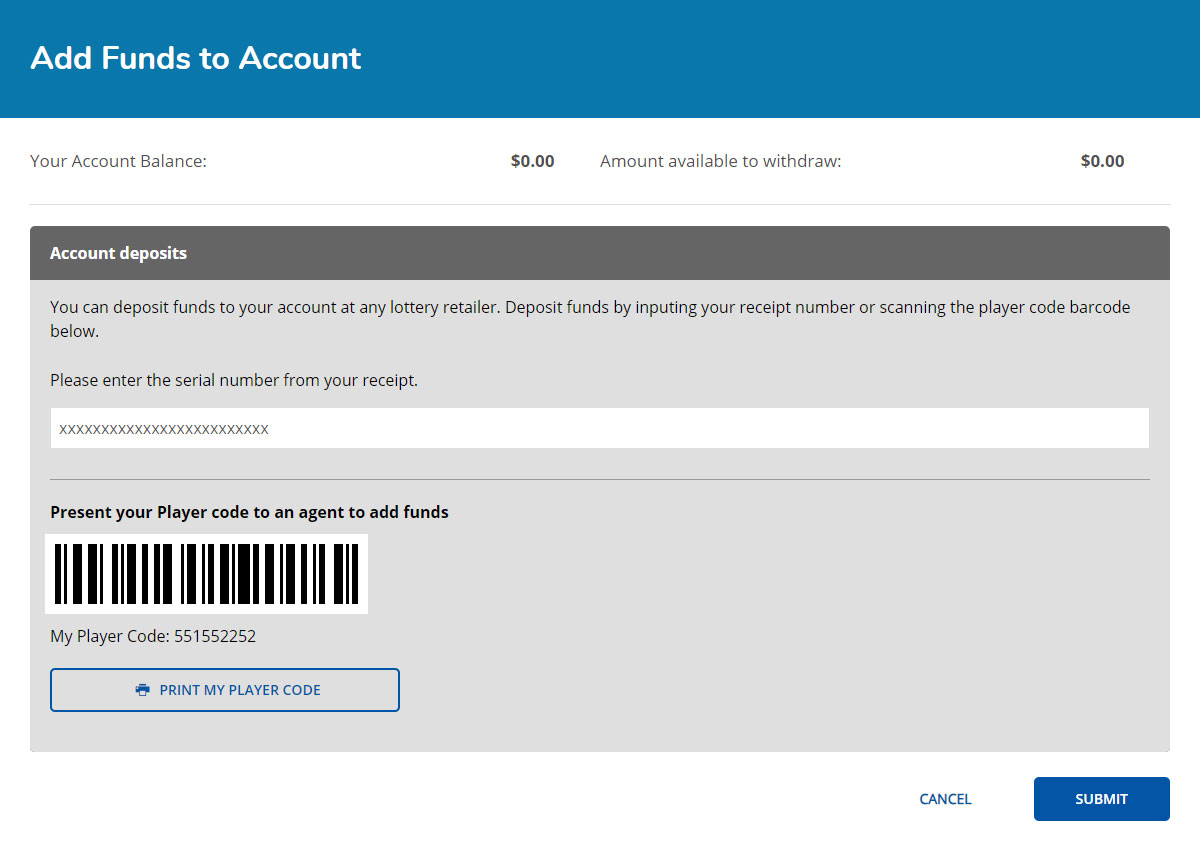
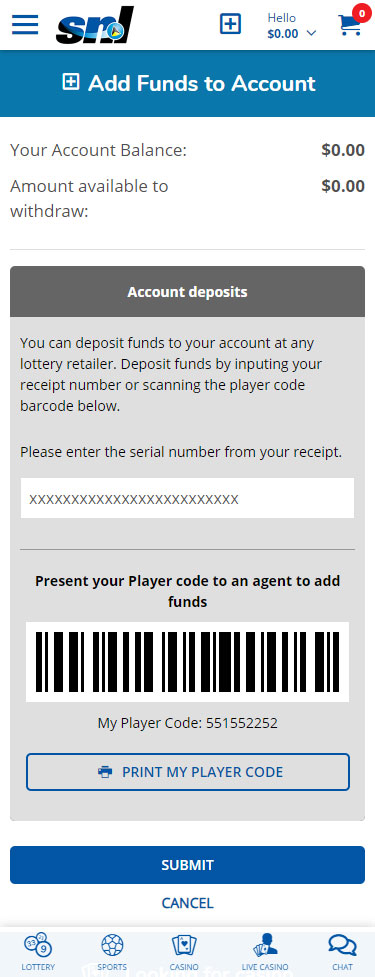
- In the top right corner of the screen click Player Menu > My Account > Add Funds to Account or the icon.
![]()
![]()
- Enter the Serial # from your Player Account Cash Receipt into the Receipt Serial Number input box.
- Click Submit to complete the addition of funds to your account.
Have additional questions?
You can call our Customer Service at (758) 453-1701.

 Processing ...